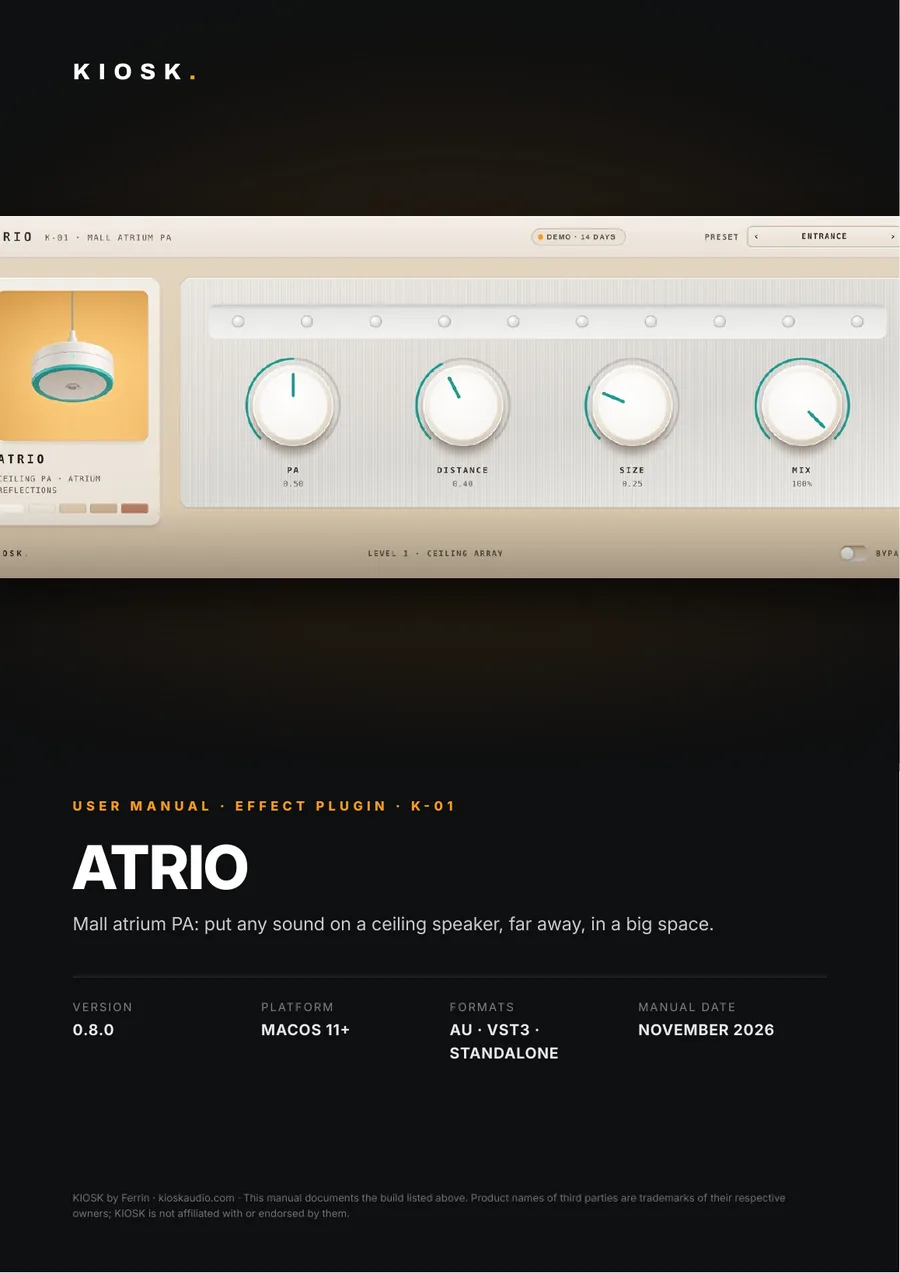
ATRIO
Mall atrium PA: put any sound on a ceiling speaker, far away, in a big space.
Mac only · AU · VST3 · Standalone
User manuals for every KIOSK unit. Read them in the browser or download the PDF. All of these products are Mac only.
Eight manuals · PDF and HTML · November 2026
Mall atrium PA: put any sound on a ceiling speaker, far away, in a big space.
Mac only · AU · VST3 · Standalone
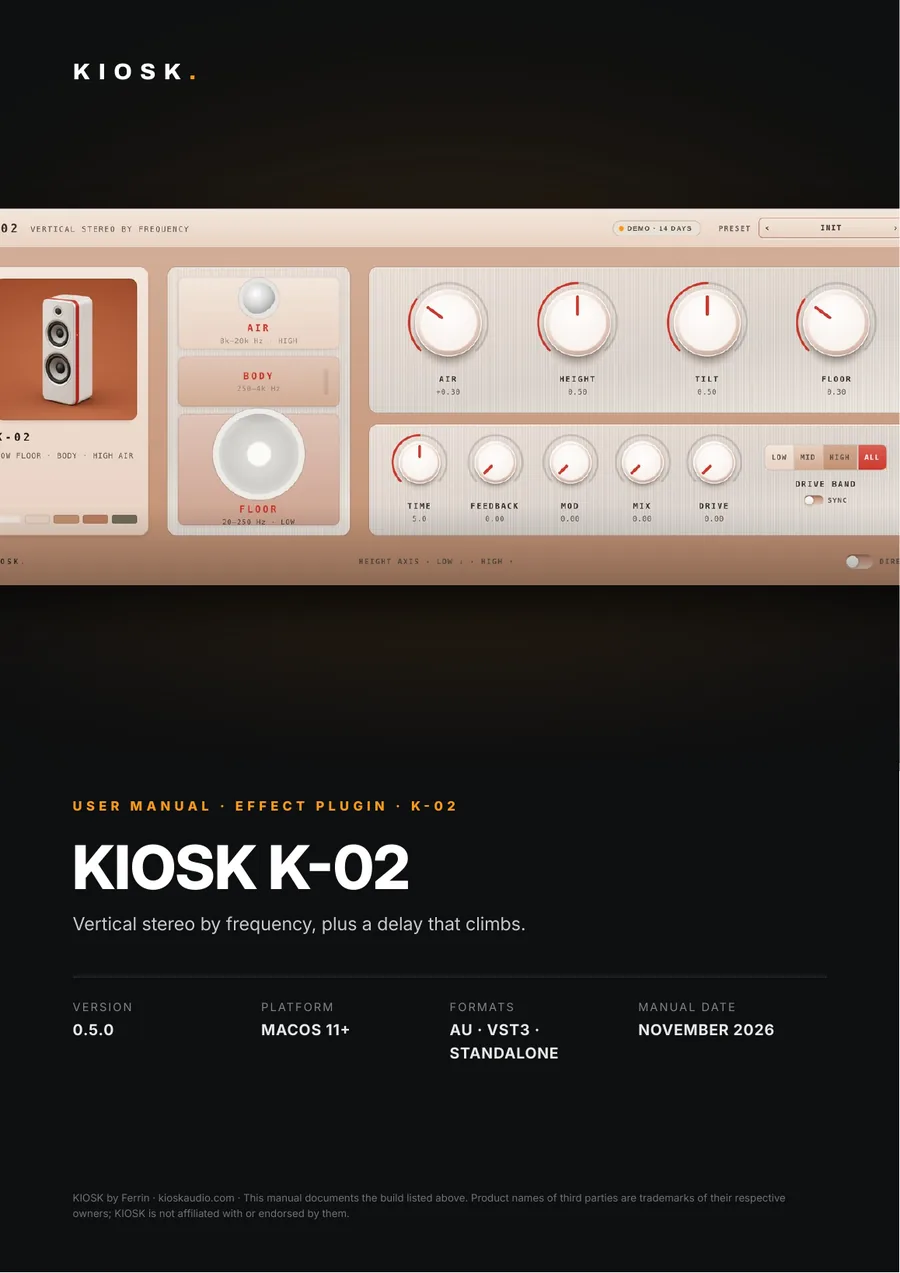
Vertical stereo by frequency, plus a delay that climbs.
Mac only · AU · VST3 · Standalone
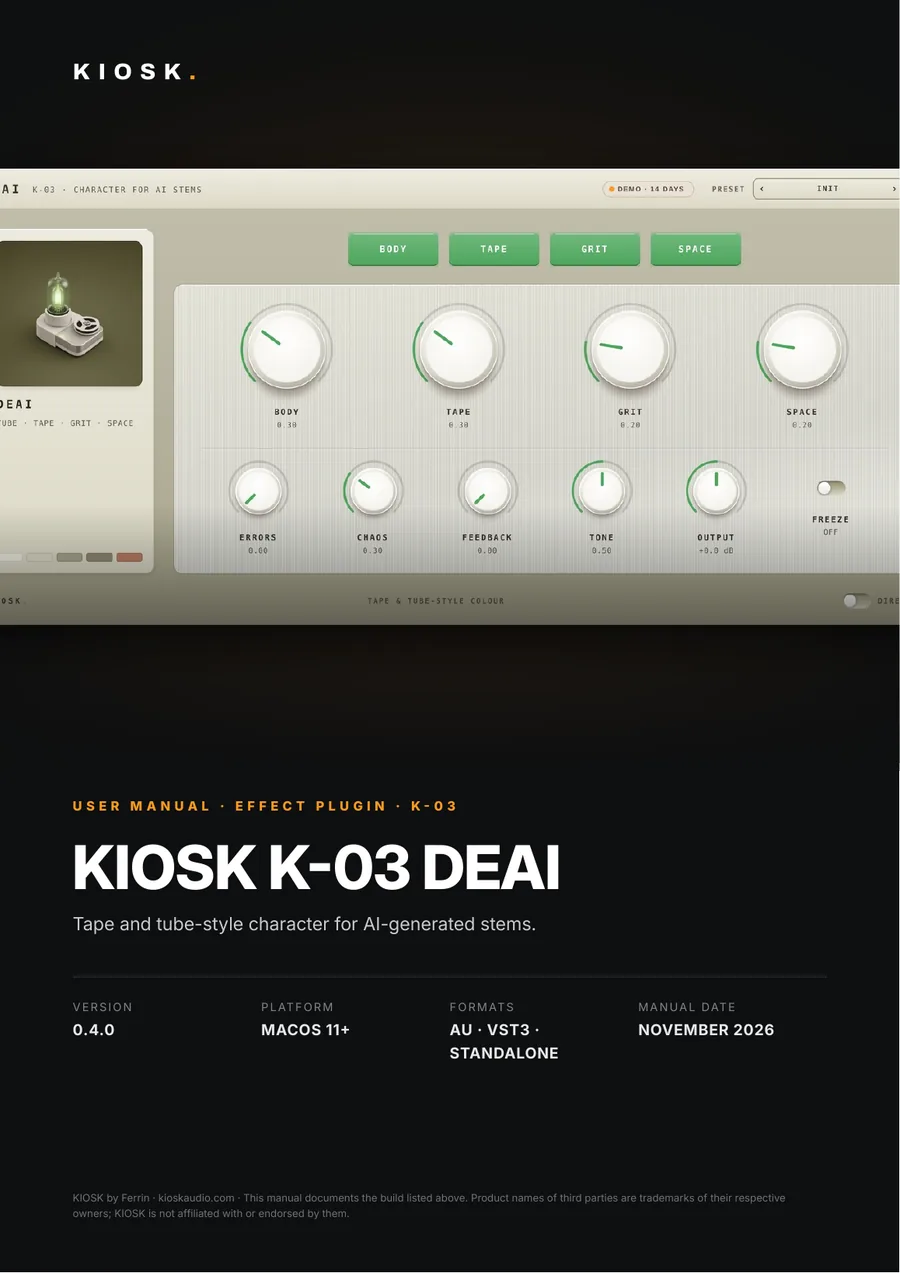
Tape and tube-style character for AI-generated stems.
Mac only · AU · VST3 · Standalone
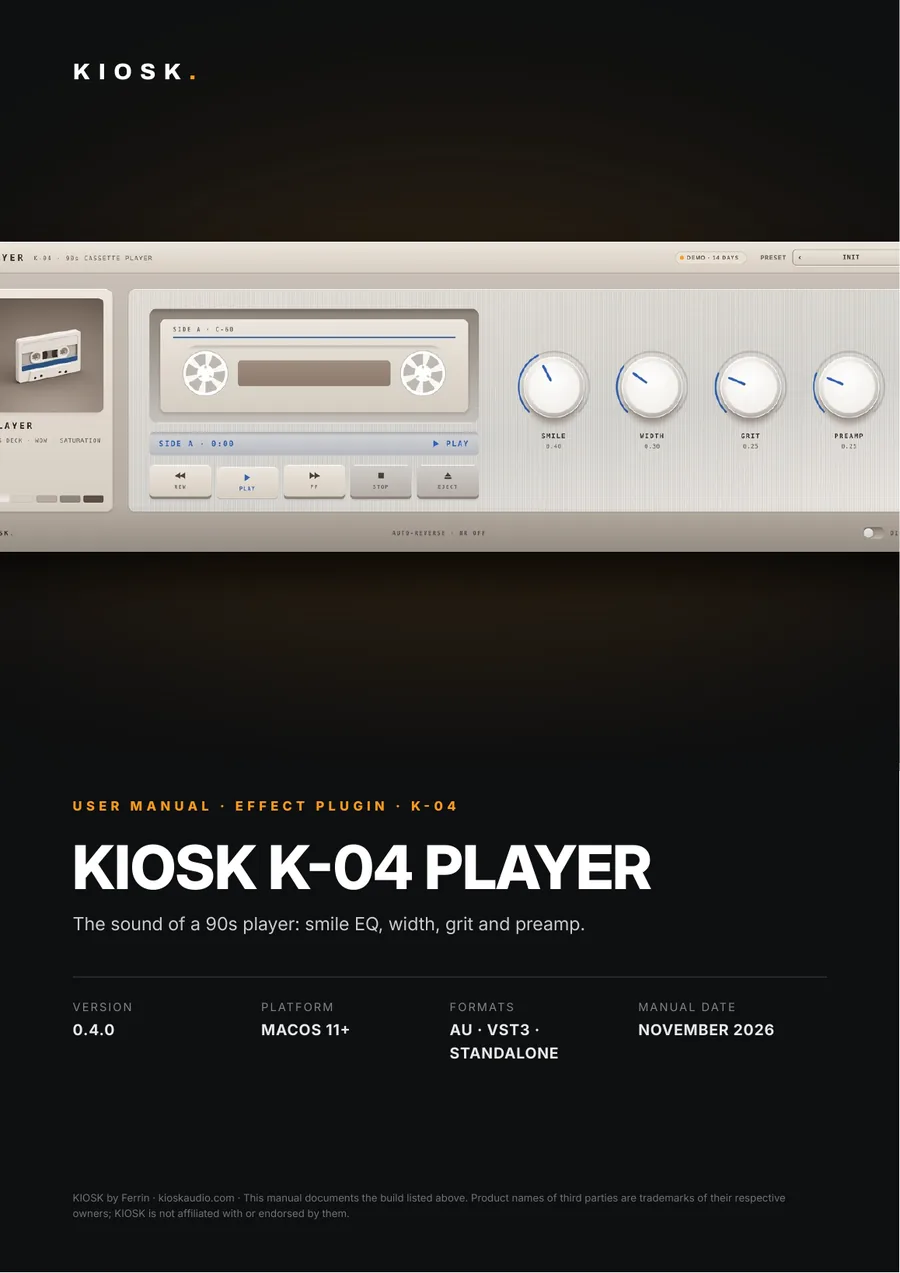
The sound of a 90s player: smile EQ, width, grit and preamp.
Mac only · AU · VST3 · Standalone
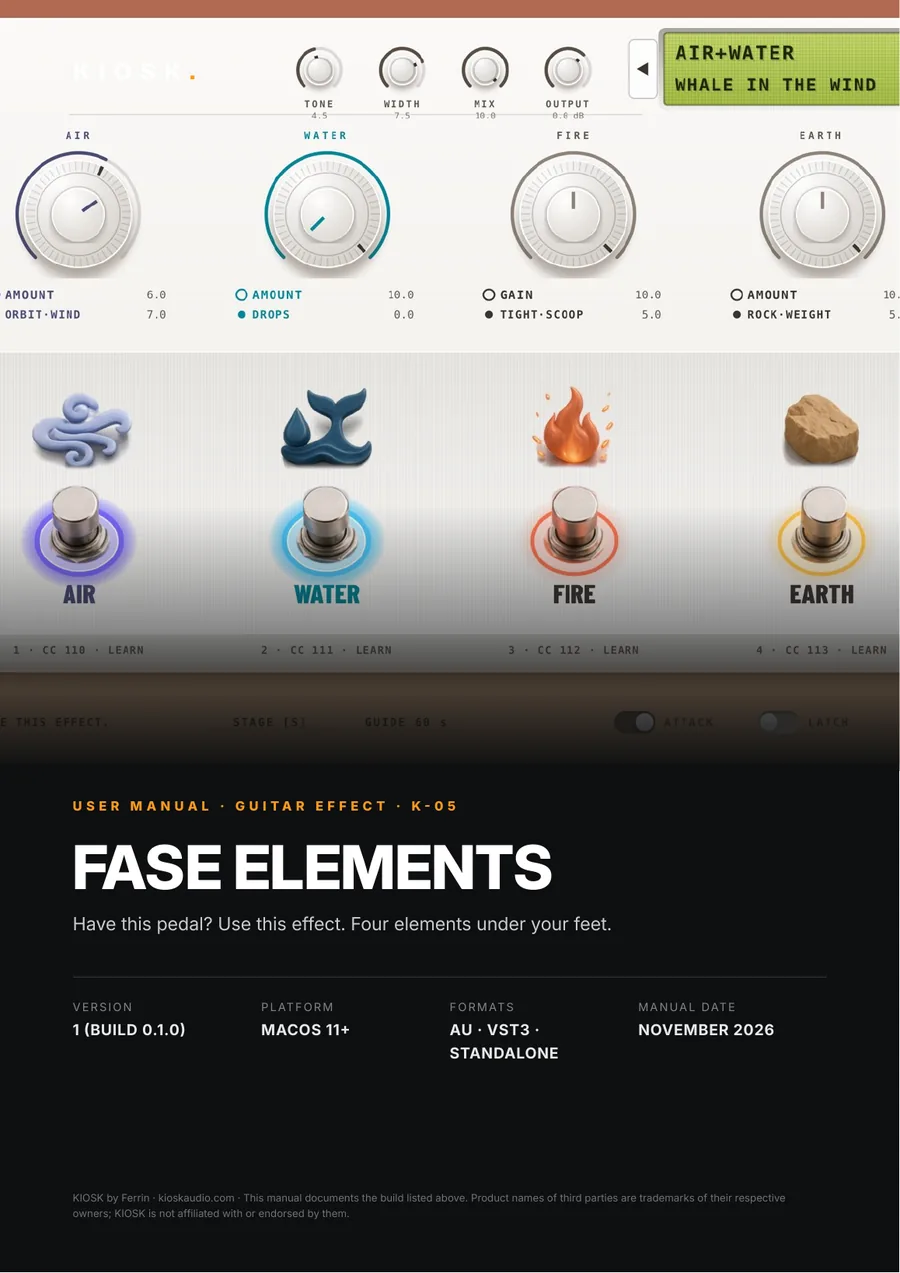
Have this pedal? Use this effect. Four elements under your feet.
Mac only · AU · VST3 · Standalone
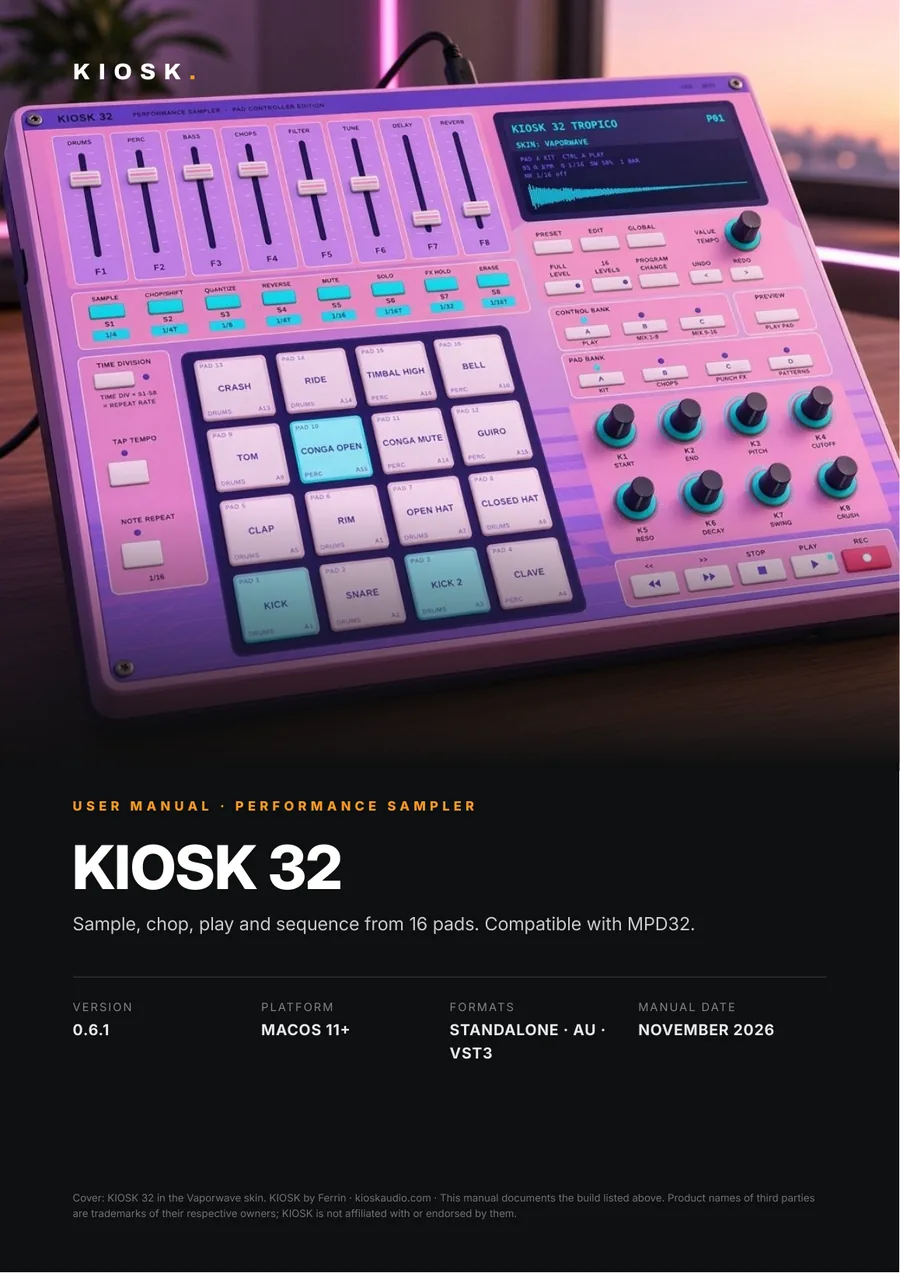
A 16-pad performance sampler. Compatible with MPD32.
Mac only · Standalone · AU · VST3
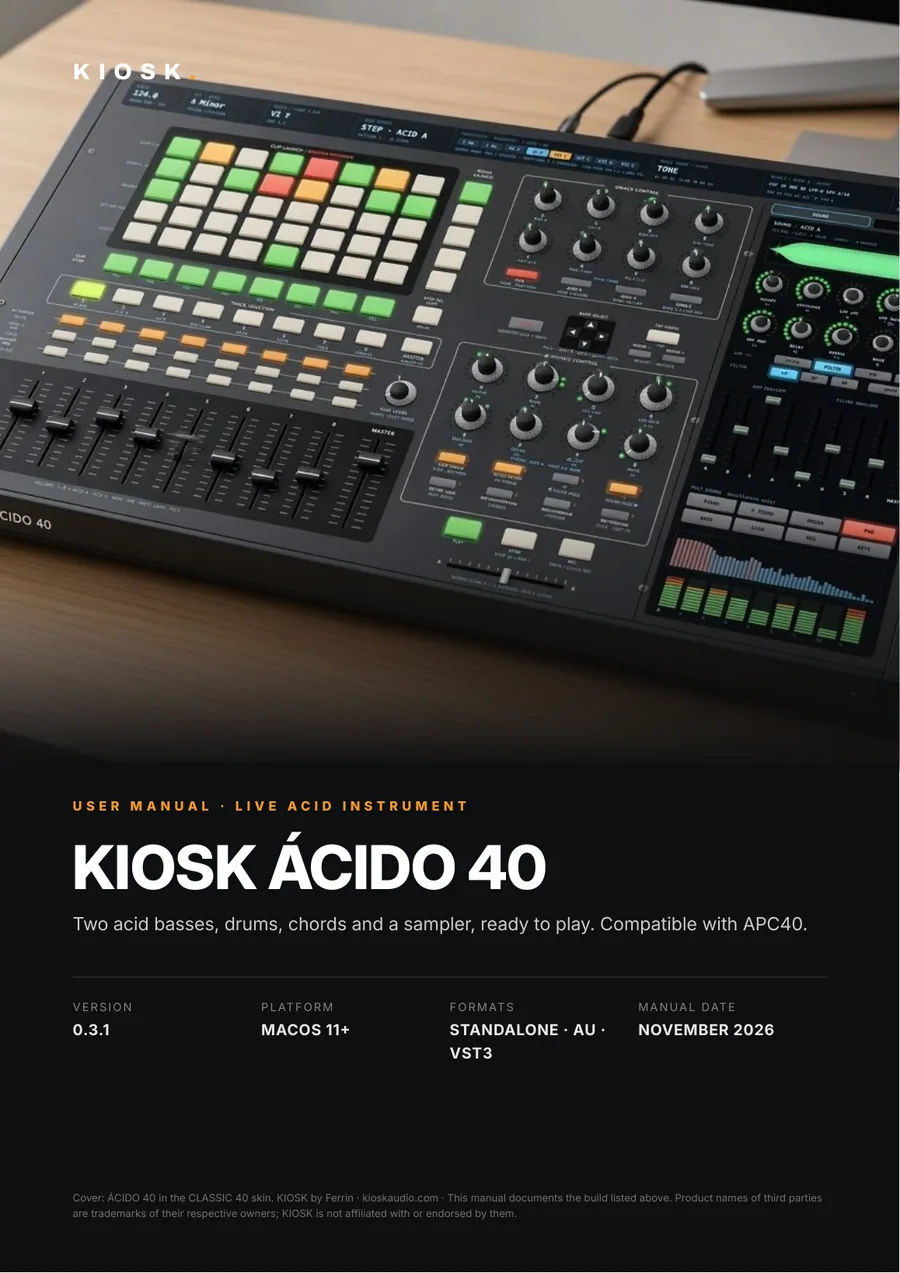
Two acid basses, drums, chords and a sampler, ready to play. Compatible with APC40.
Mac only · Standalone · AU · VST3
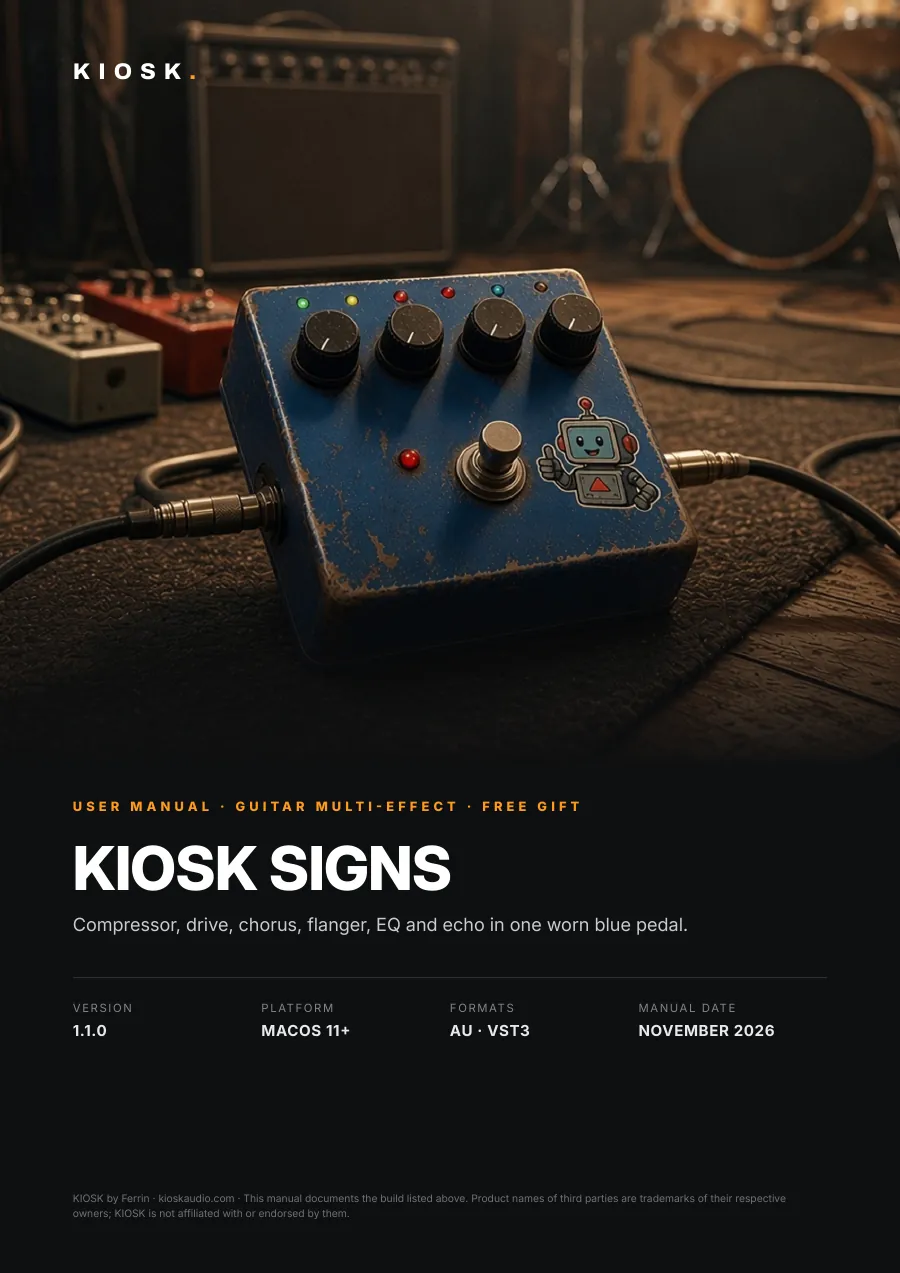
Compressor, drive, chorus, flanger, EQ and echo in one worn blue pedal.
Mac only · AU · VST3 · Free
KIOSK 32 is compatible with MPD32. KIOSK ÁCIDO 40 is compatible with APC40 (original model). MPD32 and APC40 are trademarks of their respective owners; KIOSK is not affiliated with or endorsed by them.
Yes. Every product in these manuals is for macOS 11 Big Sur or later, on Apple Silicon or Intel. There is no Windows or Linux build.
It depends on the product:
KIOSK 32, ÁCIDO 40 and SIGNS ship with a .pkg installer (often inside a .dmg). The installer copies the app and/or plugins into the right folders for you.
ATRIO, K-02, DEAI, PLAYER and FASE ELEMENTS are installed by copying the bundles yourself. In the Finder choose Go › Go to Folder… (Shift+Cmd+G), paste ~/Library/Audio/Plug-Ins/, and drag the .component into Components and the .vst3 into VST3. The standalone app (if you want it) goes in Applications. Each manual has the exact file names.
That is expected. The installers are not signed with an Apple Developer ID yet, so Gatekeeper warns the first time. The file is not damaged. Confirm it once:
macOS 15 Sequoia or newer
.pkg (or the app). When the warning appears, click Done — not “Move to Trash”.macOS 11 to 14
.pkg or app and choose Open.If the standalone app is blocked after install, repeat the same steps for the app. You only do this once per Mac. If a DAW still says a plugin “can’t be opened” or “is damaged”, the manual for that product has a one-time Terminal fallback that clears the download flag on KIOSK’s own files.
Audio Unit and VST3 files live here:
For you only (typical when you copy the files yourself, or choose “Install for me only”):
~/Library/Audio/Plug-Ins/Components/ (Audio Unit)
~/Library/Audio/Plug-Ins/VST3/ (VST3)
Standalone app: ~/Applications/ or /Applications/
For all users of the Mac (some installers, including SIGNS): the same paths under /Library/Audio/Plug-Ins/, which needs your Mac password.
Then quit and reopen your DAW so it rescans. In Logic Pro, if the plugin is missing: Settings › Plug-in Manager › select it › Reset & Rescan Selection. Look for the maker name Carlos Ferrin or KIOSK. Instruments (KIOSK 32, ÁCIDO 40) go on a software-instrument / MIDI track; the others are audio effects.
Buy from Gumroad. Your receipt email (and your Gumroad Library) contains the license key. Open the plugin or app, click the DEMO or TRIAL badge, paste the key and click ACTIVATE. Internet is needed only for that step; after that it works offline on that Mac.
KIOSK 32, ÁCIDO 40, ATRIO, K-02, DEAI and PLAYER have a 14-day demo. After the demo, audio drops out for about one second once a minute until you activate. The key starts with KIOSK1- on the K-series units. One key activates up to three computers; deactivate a Mac before moving the license.
FASE ELEMENTS has a 7-day trial. After the trial it plays a short burst of noise about once a minute until you activate. Two computers per key.
KIOSK SIGNS is free and does not need a license key.
Write to email@kioskaudio.com. The full steps for each product, including screenshots, are in the manuals above.
Write to us at email@kioskaudio.com. We read every message. The manuals above are the first place to look for install steps and troubleshooting.